Hello! This is the blog for my deferred lighting homework. The homework mainly includes: cubemaps, hdr and tone mapping, deferred lighting, motion blur. This blog will not be in order of how I did things as I preferred to explain things in a cleaner order.
Cubemap and HDR
I started with the cubemap by writing a cubemap.obj file. I changed the 2d texture arrangements to 3d cubemap. This part was mostly seamless.
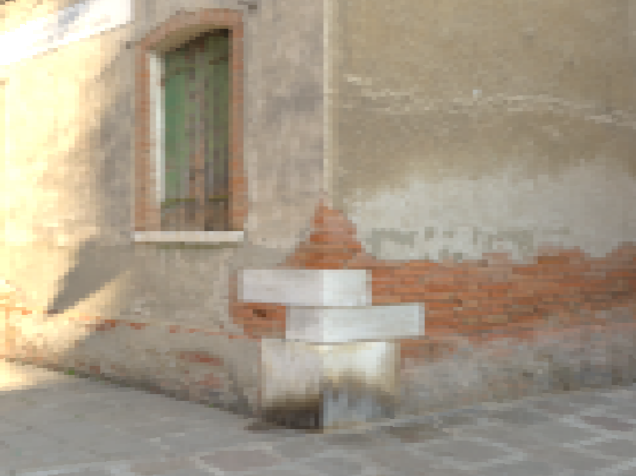
Initially, I did sigmoidal compression only to be able to see better. In this part, I also added the exposure and gamma correction variables.
Mouse Movement
I then moved on with the mouse movement. At first I tried to do it with two quaternions one for the right vector and one for the up vector. However, this did not feel like a first person camera at all, so I then replaced up vector with y-axis. This felt way more smooth. Though it did introduce a problem, if the user looks towards exactly 90 degrees up, the gaze vector shifts abruptly. This could be solved by limiting the gaze slightly but I did not have time left for that so that abrupt change is still present.
Adding Armadillo
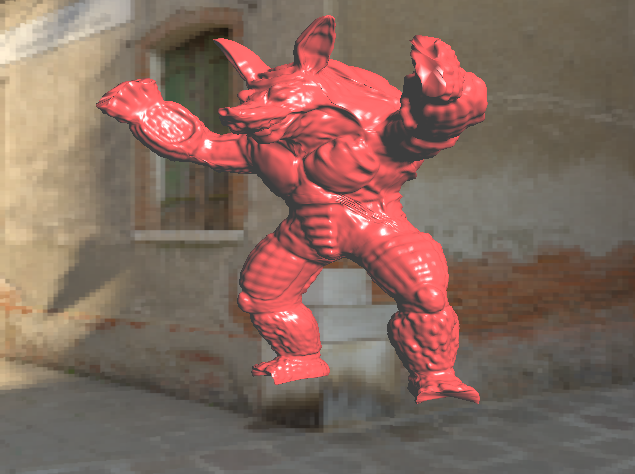
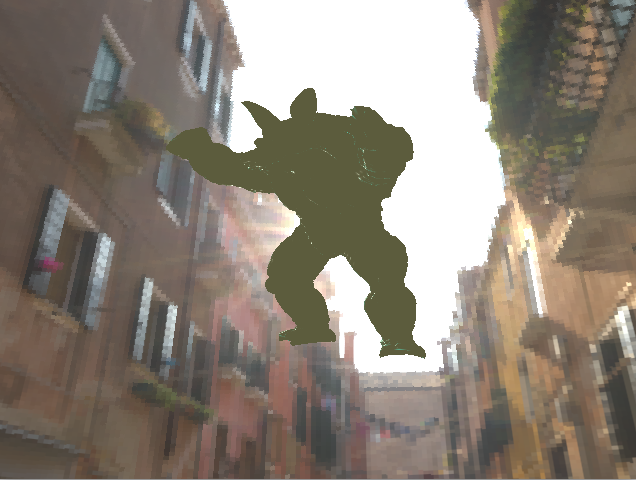
Adding armadillo without the deferred lighting was the easiest. In this part I arranged its location and the light location itself to make sure it was in a proper place where I could see. I did not choose to have one light, I actually thought about doing more after I was done with everything, but I was never done with everything.
Texts and FPS
I then moved on to the text. I had some trouble making them visible on the screen because I forgot to bind its texture and had some blending issues. The below picture shows when I was unable to show the text properly, I then fixed it by enabling blending before writing my texts onto the screen.
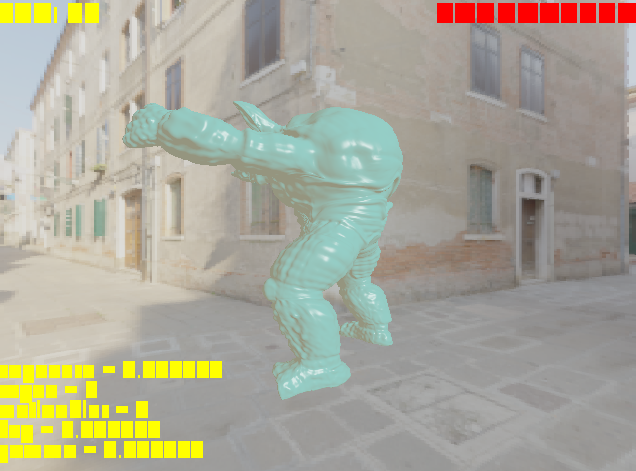
For the fps, I initially recalculated it for every frame I would render. But that would make it flicker between 59 and 60 a lot so I then limited it to change each second.
Deferred Lighting
I died a little bit here. Though I followed both the video and the documentation for deferred shading, for a long while I could not render anthing properly. My quad just would not show anything and I could only see something when I rendered the quad as armadillo which is below.
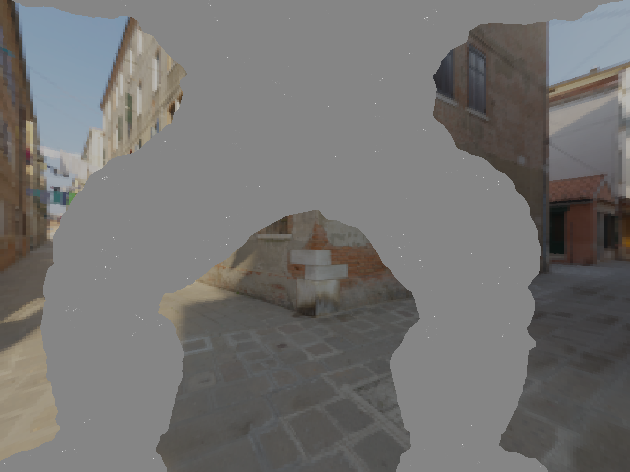
I was so confused because I was doing everything in the tutorials and this took me around two days to figure out. I even rewrote the code for deferred rendering from scratch (which made my code in the end way clearer so I’m glad).
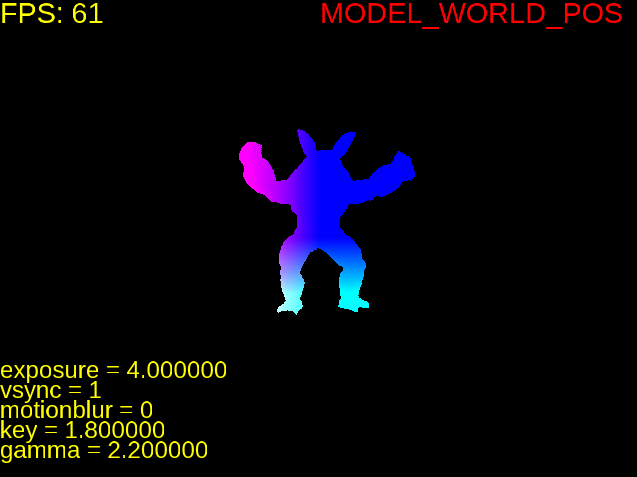
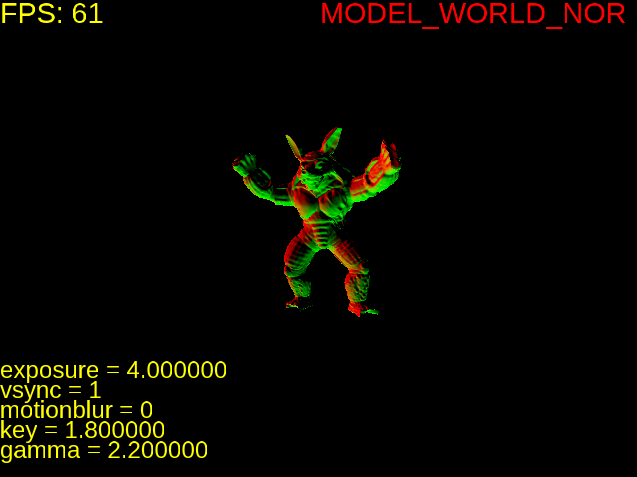
It was such a minor mistake, I was rendering my quad wrong. Originally, I was trying to render it like a face of the cubemap. But then I checked how the renderQuad function in opengl tutorials were coded and implemented that. Worked like a charm, I was on the verge of tears. Everything else was already ready so I could directly get the position and normals look.
Keyboard and Window
I then implemented some more minor things such as the key bindings and the window resizing. To fix the placements of the text, I called the function that calculates the perspective in the reshape function. I did not fix the aspect ratio to 1 so that the visuals would not stretch as shown in the picture below.
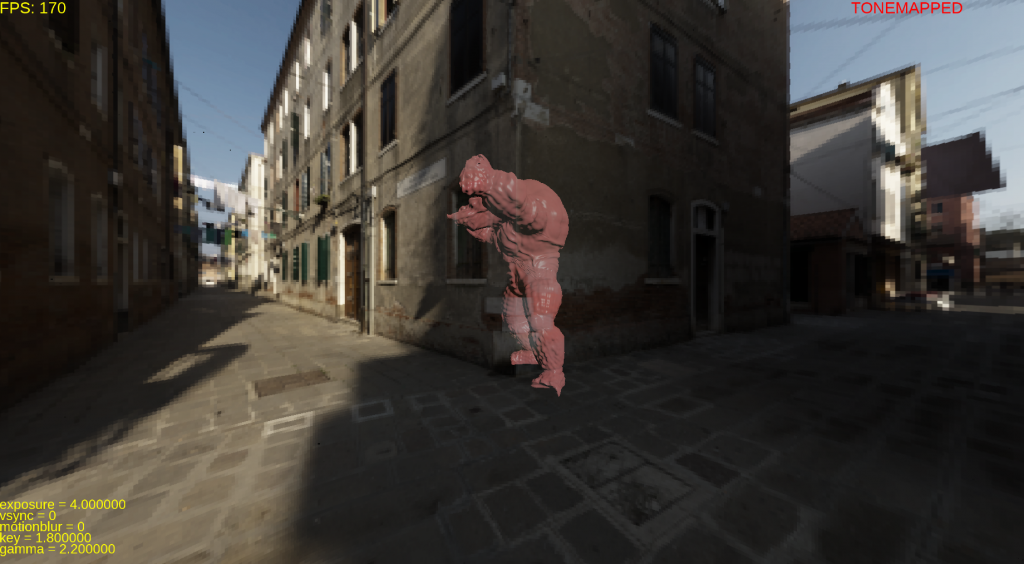
For the keyboard the buttons are as follows:
- Q: close window
- R: Toggle rotation
- G: toggle gamma correction
- V: toggle vsync
- space: toggle fullscreen
- +/up: increase exposure (I did not have a numpad)
- -/down: decrease exposure
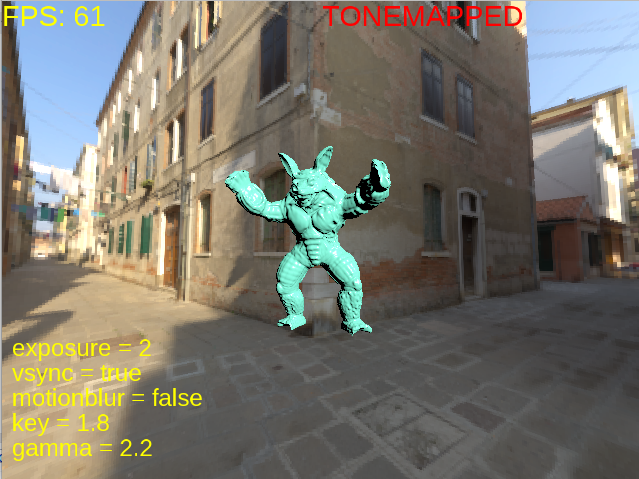
- 0: TONEMAPPED
- 1: CUBE_ONLY
- 2: MODEL_WORLD_POS
- 3: MODEL_WORLD_NOR
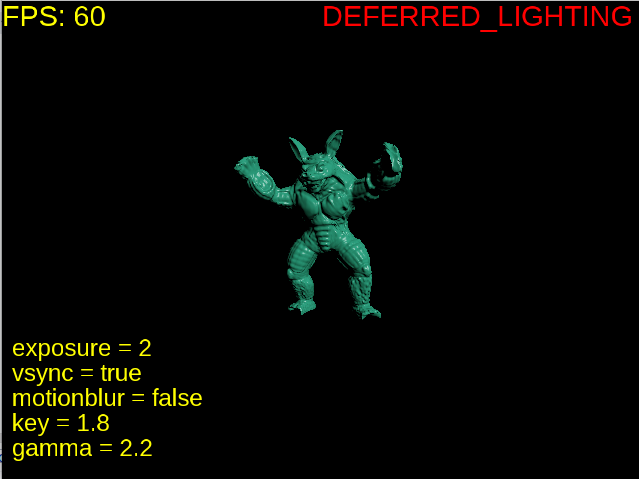
- 4: DEFERRED_LIGHTING
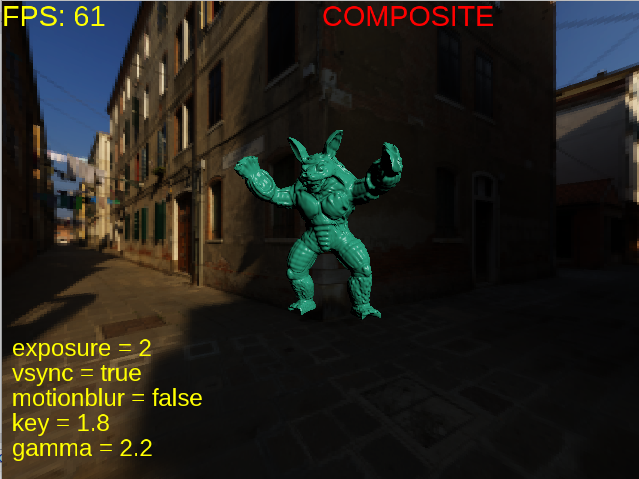
- 5: COMPOSITE
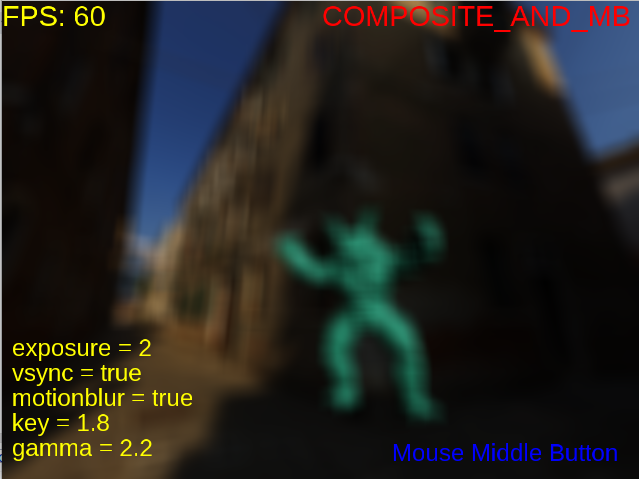
- 6: COMPOSITE_AND_MB
Composite and Motion Blur
For motion blur, I took the function in the slides and arranged it so that it would blend the whole screen regardless of depth. I initially thought I would make it more optimized, but ran out of time and could not. Doing the motion blur itself was not challenging, but handling the composite structure that would do the blurring was. At first I tried to do it without an extra buffer, then gave up and added the buffer. For a while I swam in blits, clears, depths, enables and disables and buffers. I really should learn to first learn then implement because that would be way easier, but then again I cannot learn anything without implementing.
The final structure that worked for me:
- Geometry pass on gbuffer
- Arranging blending ( by making armadillo’s alphas 1.0)
- Lighting pass on gBlurbuffer (used for both blurring and tone mapping)
- Rendering cubemap on gBlurbuffer
- Tone mapping and motion blur on default buffer
I then wrote the blur function to the final shader and only enabled it if blursize is bigger then 0. I found blursize by simply finding the manhattan distance between the past cursor point and the present and limited it to be maximum 20 (otherwise my poor laptop would freeze). The motion blur is not the best, though it would be very easy to make it more efficient with the code at hand, I just need to change how blurSize changes.
Tone Mapping
After handling motion blur, the base for the tone mapping was already ready. I initially tried to calculate the average log luminance manually by bringing the texture to cpu and multiplying. This reduced the fps greatly, so then I did what the pdf recommended. I created a mipmap for the texture I used with gBlurbuffer and calculated the average log luminance with the 1×1 mipmap. I love giving myself heart attacks so I forgot to give the key value as a uniform but instead wrote it as “in” and could not see anything at first.
Final
I fixed the floats and booleans in text because they were bothering me, added the pressed keys to the screen.
I learned a lot of things, even when I thought I had understood everything. It took longer than I expected but ended nicely.
I still did not download any application for screen recording , so here are some screenshots.
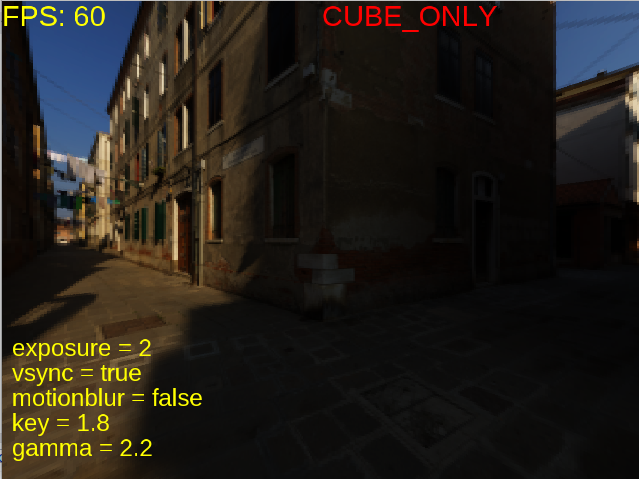
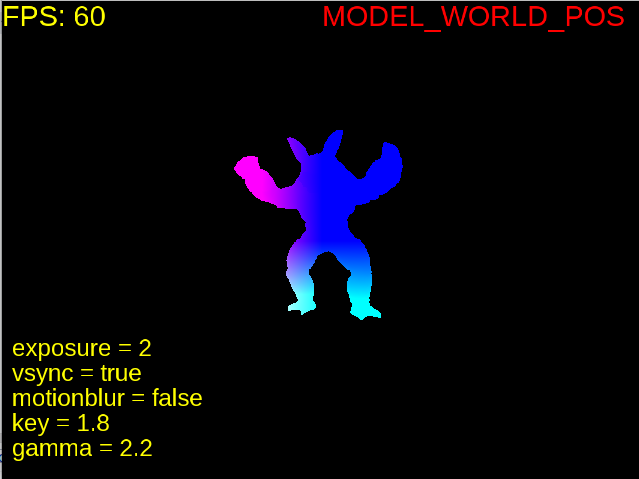
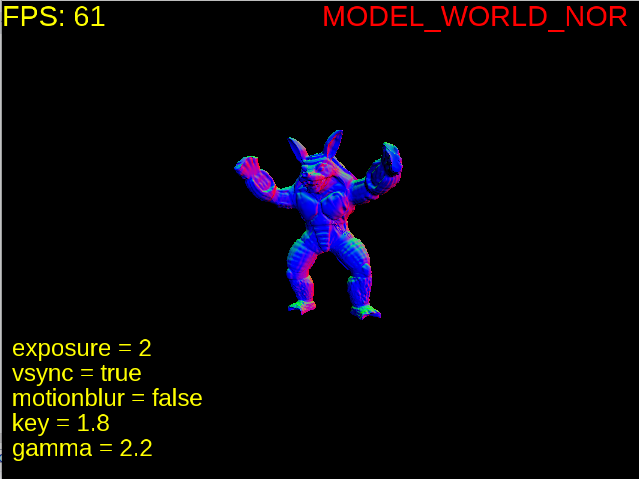
What is missing?
- The abrupt change of gaze when we look up 90 degrees up.
- Resize is not smooth (on my computer), though when I tried it on inek it was smooth but I did nothing to make it so.
- Motionblur is not based on time but based on how many frames it will take for it to diminish. Not the best look in my opinion.
- The armadillo started to get cropped after I implemented diffused rendering.
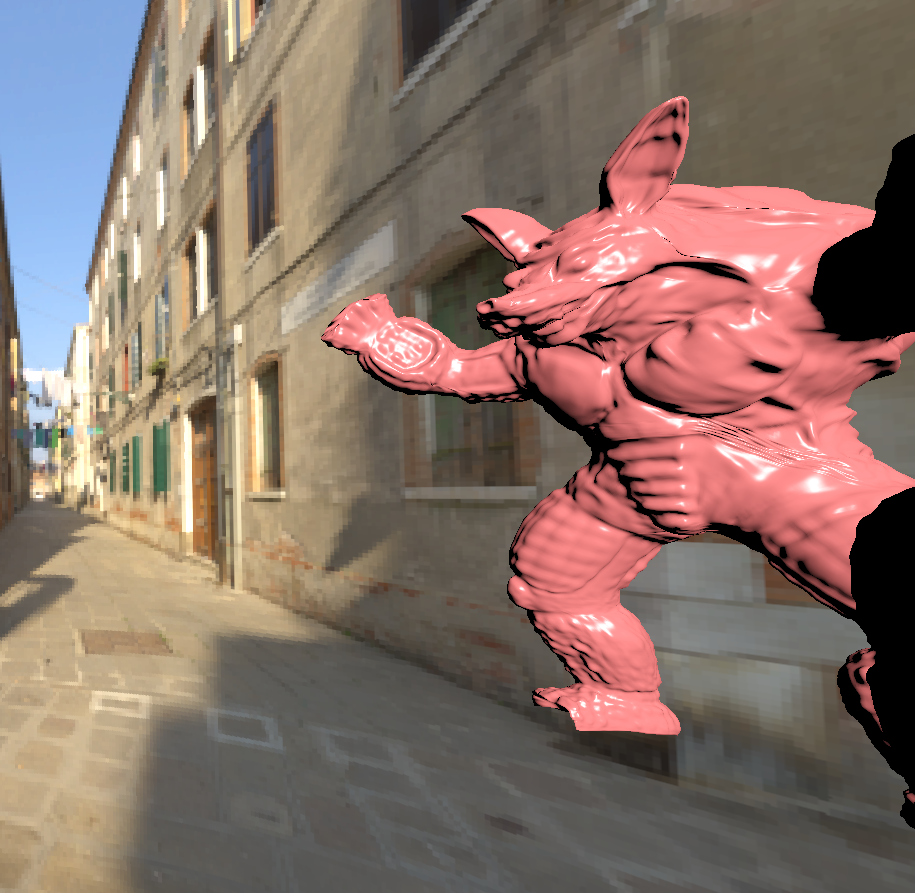
- This is the most trivial one but texts are not aligned dynamically, so the writing for tonemapped just seems floating in air.
- I was a bit confused about in which mode I was expected to do gamma correction, so now I just apply it in the TONEMAPPED mode.