Introduction
In this blog, I will share my experience completing the third assigment for course Ceng469 Computer Graphics 2.
For this assigment, I implemented a particle system with attractors ,using OpenGL and compute shaders.
Initializing Window and Buffers
I first set up the OpenGL context and window using GLFW. I configured opengl to use version 4.3 for the modern features like compute shaders.
Creating Buffers and TBOS
After setting up the OpenGL context, I created GPU buffers for the particle system—one for positions and one for velocities. Each particle is represented as a vec4, where the xyz components store the 3d position, and the w is used for age of the particle,which will be colored accordingly. I also created a vec4 buffer for attractors ,but for their w component is used as mass.
In initComputeBuffers(), I allocated and filled the position buffer with random 3D vectors using random_vector(), and assigned a random mass (stored in the w component). Velocities were initialized with small random values in xyz, while the w component was set to zero.
To make these buffers accessible to compute shaders, I created texture buffer objects (TBOs) in initTBOs(). Each TBO binds its corresponding buffer and exposes it to the shader as a samplerBuffer using glTexBuffer().
Rendering Points
Before running any physics simulation, I started by rendering the particles as simple GL points to confirm everything was set up correctly. The vertex shader takes each particle’s position (vec4), transforms it using the mvp matrix, and assigns a gl_PointSize for rendering.
#vertex shader
#version 430

layout(location = 0) in vec4 in_position;

uniform float pointSize;
uniform mat4 mvp;

void main()
{
    gl_Position = mvp * vec4(in_position.xyz, 1.0);
    gl_PointSize = pointSize;
}
#fragment shader
#version 430

layout(location = 0) out vec4 color;

void main() {
    color = vec4(0.0, 0.8, 1.0, 1.0);
}
At first, I couldn’t see anything on the screen. It looked like rendering was broken. After checking everything, I realized I was missing a memory barrier after the compute shader had written to the position buffer.
Adding this line between the rendering and computing solved the problem:
glMemoryBarrier(GL_SHADER_IMAGE_ACCESS_BARRIER_BIT);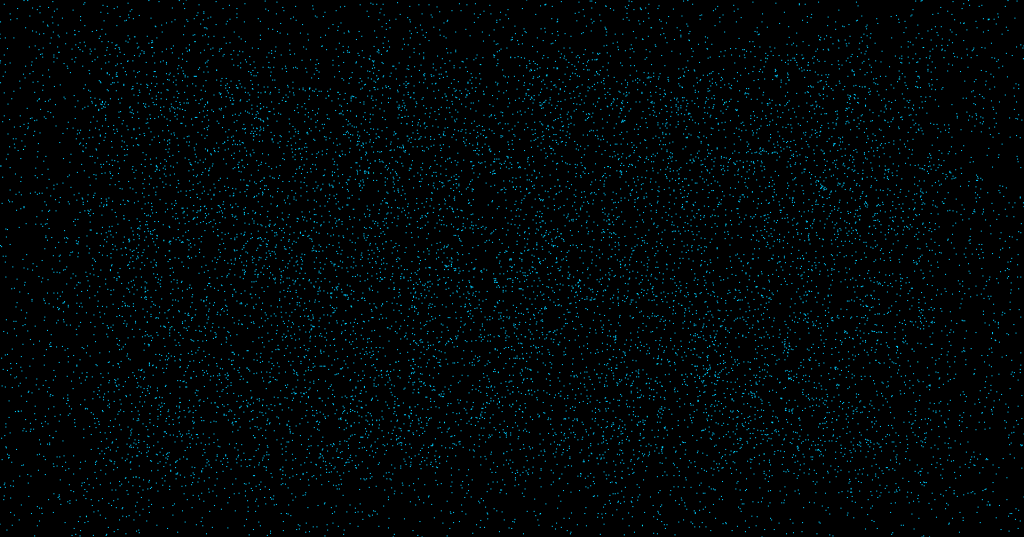
Simulating Particles
For the particle simulation, I modified a sample compute shader from the course slides to make it fit my project’s setup. The idea is simple: each particle moves under the influence of multiple attractors, and its velocity gets updated every frame. If a particle “dies” (based on age or going out of bounds), it respawns at the origin with a new random velocity.
#version 430

layout(std140, binding = 0) uniform AttractorBlock {
    vec4 attractor[12];
};

uniform int numAttractors;
uniform vec3 origin;

layout(local_size_x = 100) in;

layout(rgba32f, binding = 0) uniform imageBuffer velocityBuffer;
layout(rgba32f, binding = 1) uniform imageBuffer positionBuffer;

uniform float dt;
float rand(vec2 co) {
    return fract(sin(dot(co, vec2(14.9898, 78.23))) * 4378.5453);
}


void main() {
    uint index = gl_GlobalInvocationID.x;

    vec4 vel = imageLoad(velocityBuffer, int(index));
    vec4 pos = imageLoad(positionBuffer, int(index));

    pos.xyz += vel.xyz * dt;
    pos.w -= 0.005 * dt;

    for (int i = 0; i < numAttractors; i++) {
        vec3 dist = attractor[i].xyz - pos.xyz;
        vel.xyz += dt * dt * attractor[i].w * normalize(dist) / (dot(dist, dist) + 10.0);
    }

    if (pos.w <= 0.0 || pos.x < -4.0 || pos.x > 4.0 || pos.y < -2.0 || pos.y > 2.0 || pos.z < -2.0 || pos.z > 2.0) {
        vec2 seed = vec2(float(gl_GlobalInvocationID.x), pos.w);
        float r1 = rand(seed);
        float r2 = rand(seed + 1.0);
        float r3 = rand(seed + 2.0);

        vel.xyz = vec3(r1, r2, r3) * 2.0 - 1.0;
        vel.xyz *= 0.01;

        pos.xyz = origin;
        pos.w = 1.0;
    }

    imageStore(positionBuffer, int(index), pos);
    imageStore(velocityBuffer, int(index), vel);
}
Age-Based Rendering
To visualize the particle “lifespan,” I used the w component of the position (which I treat as age) to interpolate color. As particles get older, they fade from green to red.
#version 430

layout(location = 0) out vec4 color;

in float intensity;
void main() {
   color = mix(vec4(0.0f,0.8f,0.2f,1.0f),vec4(0.8f,0.f,0.2f,1.0f),
    intensity);
}
with no attractors
Controls
🖱 Mouse Controls
- Left Click
- In Attractor Mode: Adds an attractor at the point you click in the 3D space. Attractors are limited by a predefined capacity.(12)
- In Origin Mode: Sets the simulation’s origin point to the clicked location.
- Right Click
- Removes the most recently added attractor from the scene, if any exist.
🔄 Mouse Scroll
- Scroll Up / Down
- Increases or decreases the mass of the current attractor to be added.
⌨️ Keyboard Controls
- Q – Quits the simulation.
- V – Toggles V-Sync on or off.
- W / S – Speeds up or slows down the simulation time scale.
- T – Toggles UI visibility.
- R – Starts or pauses the animation.
- F – Toggles fullscreen mode.
- G – Switches between Origin Mode and Attractor Mode.
Final Result

